 DialerGiants
Introduction
If you need to know how to change root password in VICIdial, this step-by-step technical guide gives system administrators and telecom engineers clear, tested methods for Vicibox/VICIdial servers — covering Linux root, MySQL/MariaDB root, cluster config updates, and security hardening. This article assumes you are an IT admin with SSH access (or console access) to the server and that you have appropriate authorization to make these changes. Always back up critical data before performing password recoveries or resets.
When and Why to Change the Root Password
- Default installation passwords remain unchanged.
- Root credential compromise is suspected.
- Staff turnover or role change requires credential rotation.
- Compliance or internal policy mandates credential updates.
Pre-Reset Checklist (Do this first)
- Authorization & change window — confirm permission and schedule downtime.
- Backups — back up /etc, /var/lib/mysql, /etc/astguiclient.conf, and custom configs.
- Export important MySQL tables using mysqldump.
- Ensure console or KVM access if SSH root is lost.
- Note current VARDB_user and VARDB_pass in /etc/astguiclient.conf.
- Notify managers or agents before restarting services.
Change the Linux Root Password (Normal Method)
If you can log in as root or via sudo:
ssh admin@vicibox-server
sudo su -
passwd
Enter the new password and retype to confirm. Verify by opening a new SSH session as root. Use a strong password (length ≥14, mix of character types). Prefer SSH key authentication and disable root password login afterward.
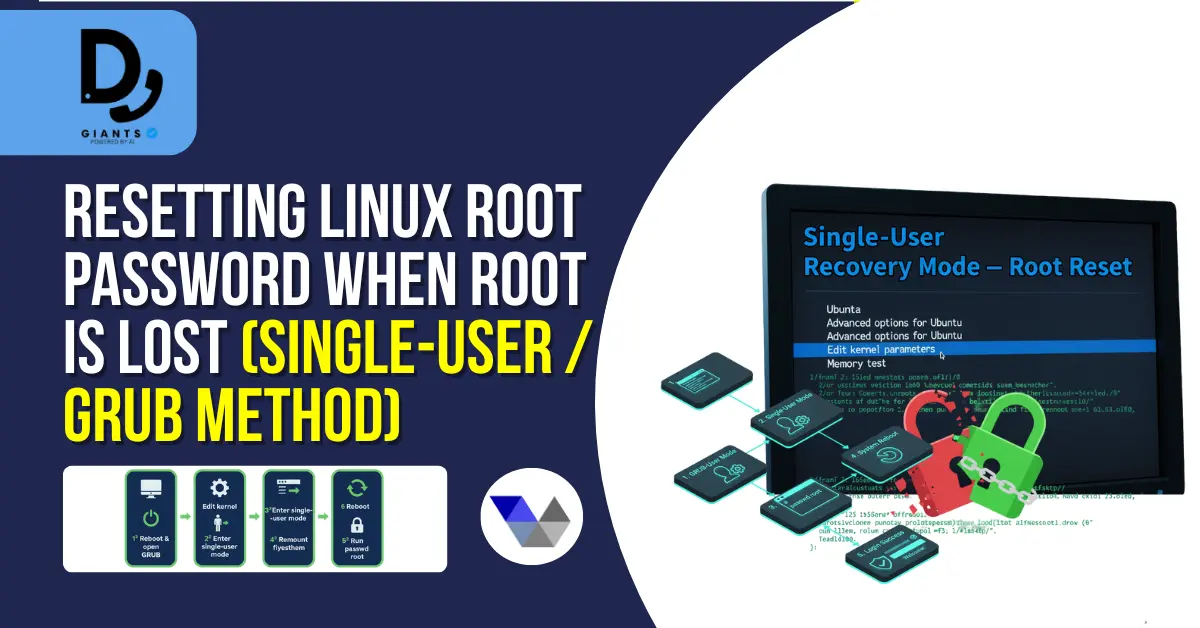
Resetting Linux Root Password When Root Is Lost (Single-User / GRUB Method)
If you cannot authenticate as root, reboot the server and interrupt GRUB. Edit the kernel entry, append
init=/bin/sh or rd.break, boot the entry, remount filesystem, run
passwd root, and reboot.
Resetting the MySQL / MariaDB Root Password (VICIdial Database)
If you lose the MySQL root password, VICIdial web and cron jobs may fail.
sudo systemctl stop mysqld
sudo mysqld_safe --skip-grant-tables &
mysql -u root
FLUSH PRIVILEGES;
ALTER USER 'root'@'localhost' IDENTIFIED BY 'NewStrongPassw0rd!';
FLUSH PRIVILEGES;
exit;
sudo systemctl start mysqld
mysql -u root -p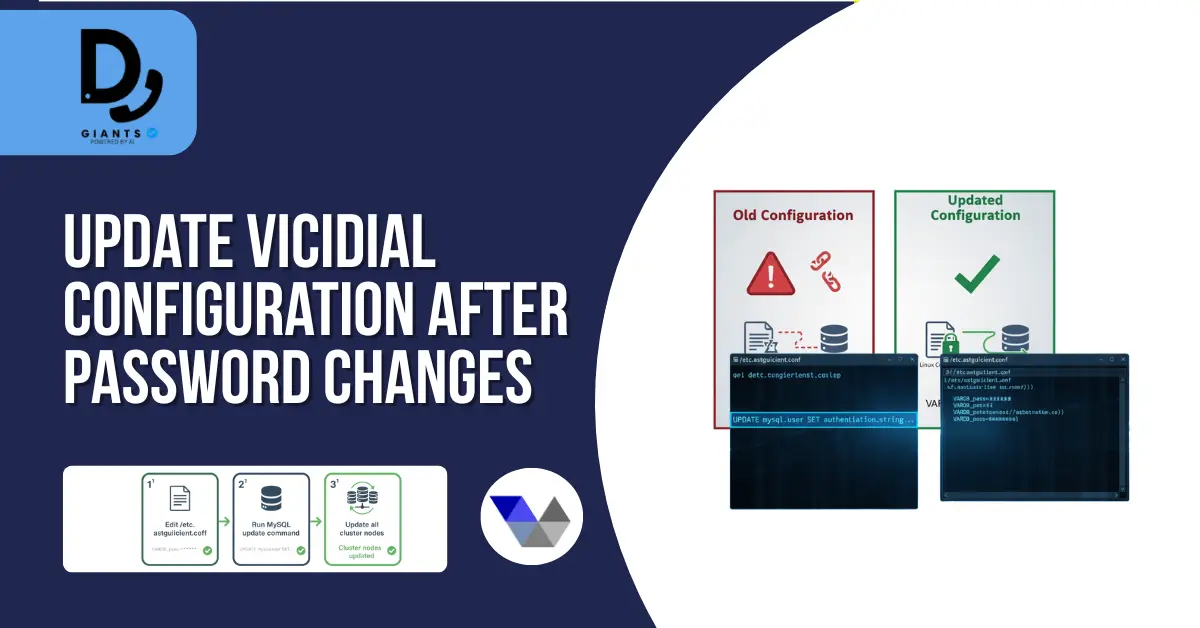
Update VICIdial Configuration After Password Changes
Update /etc/astguiclient.conf (VARDB_pass) on all cluster nodes. If you changed cron DB user
password, update it in MySQL and the config file accordingly.
Reset VICIdial Web Admin Password (If Needed)
Login to MySQL and run:
UPDATE vicidial_users SET pass = MD5('NewAdminPass') WHERE user='admin';Post-Reset Validation & Service Checks
Confirm OS root access, MySQL root login, restart services, and verify agent logins.
Security Hardening Best Practices
- Use dedicated DB users (not root).
- Rotate credentials periodically.
- Use SSH keys; disable root login.
- Restrict SSH to admin IPs.
- Limit MySQL remote access.
- Enable auditing and centralized logs.
Common Pitfalls & Troubleshooting
- MySQL fails to start → Check error logs, revert auth plugin if needed.
- SELinux issues → Temporarily set setenforce 0 for testing.
- VICIdial login fails → Ensure /etc/astguiclient.conf matches DB password.
Best Practice — Use App-Specific Database User
CREATE USER 'vicidial'@'localhost' IDENTIFIED BY 'VicidialAppPass!';
GRANT SELECT, INSERT, UPDATE, DELETE ON asterisk.* TO 'vicidial'@'localhost';
FLUSH PRIVILEGES;
Update /etc/astguiclient.conf with VARDB_user=vicidial and VARDB_pass=VicidialAppPass!
Automated Checklist for Admins
- Backup MySQL + configs.
- Change root password or use GRUB method.
- Reset MySQL root if required.
- Update config files across nodes.
- Rotate app DB users.
- Harden SSH and DB access.
- Test VICIdial workflow.
- Document all changes.
Legal, Compliance & Responsibility Notice
Perform password resets only if authorized. Unauthorized access or misuse can cause service disruption or data loss. This article is for technical guidance only. Consult a qualified professional for compliance requirements.
Appendix — Example Command Snippets
Boot single-user mode:
rd.break
mount -o remount,rw /sysroot
chroot /sysroot
passwd root
touch /.autorelabel
exit
reboot
MySQL root reset (compact):
sudo systemctl stop mysqld
sudo mysqld_safe --skip-grant-tables &
mysql -u root
FLUSH PRIVILEGES;
ALTER USER 'root'@'localhost' IDENTIFIED BY 'NewRootPass!23';
FLUSH PRIVILEGES;
exit
sudo systemctl start mysqld
FAQs
1. How do I change the root password in VICIdial without losing data?
To change the root password safely, first back up your MySQL database and configuration files like /etc/astguiclient.conf. Then use the passwd command (for Linux root) or ALTER USER in MySQL to update credentials. Finally, update all VICIdial config files with the new password before restarting services.
2. What should I do if I forget the Linux root password on a VICIdial server?
If you've lost the root password, reboot the server and enter single-user mode using GRUB. Append init=/bin/sh or rd.break to the kernel line, then run passwd root to set a new password.
3. How can I reset the MySQL root password for VICIdial?
Stop MySQL and start it in safe mode using mysqld_safe --skip-grant-tables. Then log in and run ALTER USER 'root'@'localhost' IDENTIFIED BY 'NewPassword'; After resetting, restart MySQL and update /etc/astguiclient.conf.
4. Will changing the MySQL root password affect my VICIdial campaigns?
Yes, if the VICIdial configuration still references the old database password, the dialer may fail to connect. Always update /etc/astguiclient.conf and cluster node configs, then restart asterisk, httpd, and mysqld.
5. How can I make VICIdial more secure after changing the root password?
After resetting credentials, disable root SSH logins, use SSH keys instead of passwords, restrict MySQL access to localhost, and create a dedicated database user (not root) for VICIdial operations.
Final Recommendations
- Prefer SSH keys + sudo instead of root logins.
- Use password vaults for storage.
- Test restore and recovery procedures.
- Maintain a documented password-reset runbook.
- Limit admin access and use MFA.


