 DialerGiants
Introduction
This guide explains how to add Do Not Call list VICIdial administrators can use to keep
outbound campaigns compliant. DNC handling in VICIdial includes an internal system DNC, campaign-specific
DNCs, the vicidial_dnc database table, and options to add numbers from call menus or agent
screens. Proper DNC management prevents accidental calls to opted-out numbers and reduces legal risk.
(Legal disclaimer: This article provides technical guidance only and is not legal advice. Consult counsel for compliance with TCPA and local DNC laws.)
Understanding VICIdial DNC Types (Internal vs Campaign)
- Internal System DNC: System-wide list stored in
vicidial_dncthat blocks numbers across all campaigns. - Campaign DNC: Per-campaign settings to override or supplement internal list for different compliance rules.
Where DNCs are stored
The primary storage for system-level DNCs is the vicidial_dnc database table.
Preparing Your DNC Data
- Normalize phone numbers: remove spaces, punctuation, and leading '+' or country codes.
- Remove duplicates and include source/timestamp columns.
Method 1 — Uploading DNC via Admin GUI
- Admin → Lists → Add/Delete DNC
- Choose "Upload" or paste numbers, confirm normalization
- Click "Process" and verify count
Method 2 — Inserting into vicidial_dnc via SQL
LOAD DATA INFILE '/path/to/dnc.csv'
INTO TABLE vicidial_dnc
FIELDS TERMINATED BY ',' OPTIONALLY ENCLOSED BY '"'
(phone_number, entry_date, source)
SET phone_number = REPLACE(REPLACE(phone_number, '-', ''), ' ', '');
Method 3 — Adding DNC from a Call Menu (AGI)
DNC AGI: dnc_insert.agi|1|YES|SYS|B1=run as DNC status, YES=insert into vicidial_dnc, SYS=system-wide, B=branch after execution.
Method 4 — Letting Agents Add Numbers (Agent Screen)
- Add dispositions ("DNC") mapped to a script action
- Restrict delete permissions for non-admins
Scrubbing Leads Against DNC (Best Practices)
- Nightly scrub: Compare new lists to
vicidial_dnc - Pre-upload scrub: Compare incoming CSVs before import
- Third-party scrubbers: For national DNC lists
Handling International Numbers & Country Codes
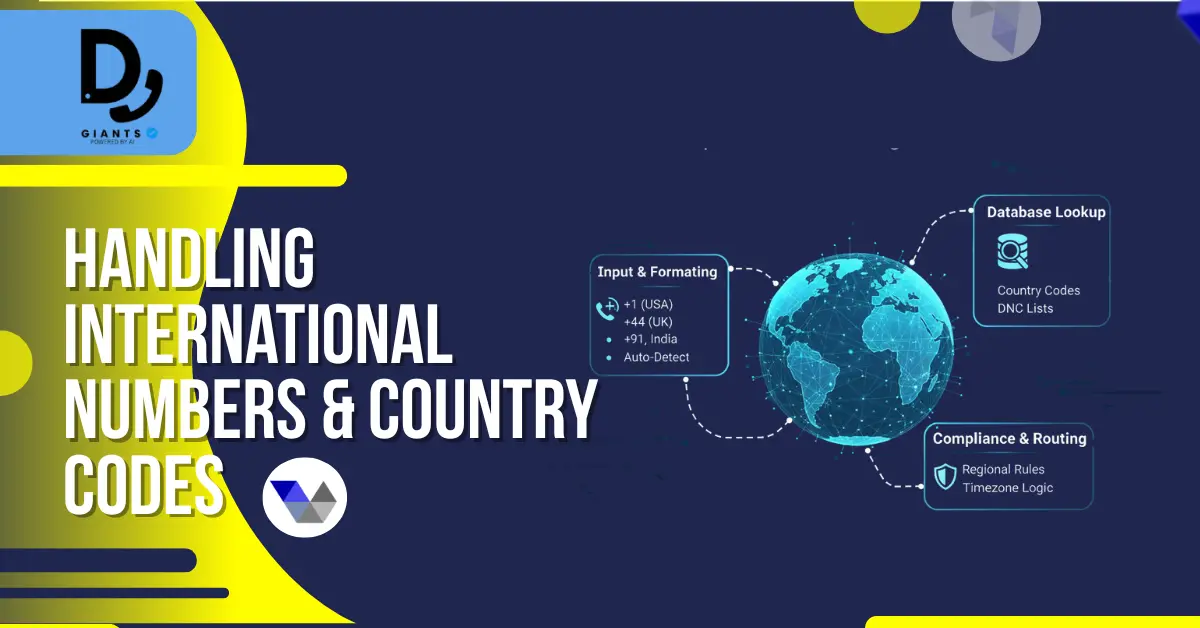
- Standardize on one format (E.164 or national without leading zero)
- For US campaigns, consider stripping "+1" if required
Automation Ideas & Scalable Architectures
- Daily ETL: Pull national DNC updates and load into vicidial_dnc
- API-based adds: Expose internal API for POSTing numbers
- Queue-based processing: Use RabbitMQ/Redis for large imports
Troubleshooting Common Issues
- DNC numbers still dialed? Check matching format and campaign settings
- Uploads appear to succeed but not block calls: Verify vicidial_dnc entries
Performance Tips for Very Large DNC Datasets
- Index
vicidial_dnc.phone_number - Partition huge tables; use
LOAD DATA INFILEfor bulk inserts
SQL Snippets & Normalization Examples
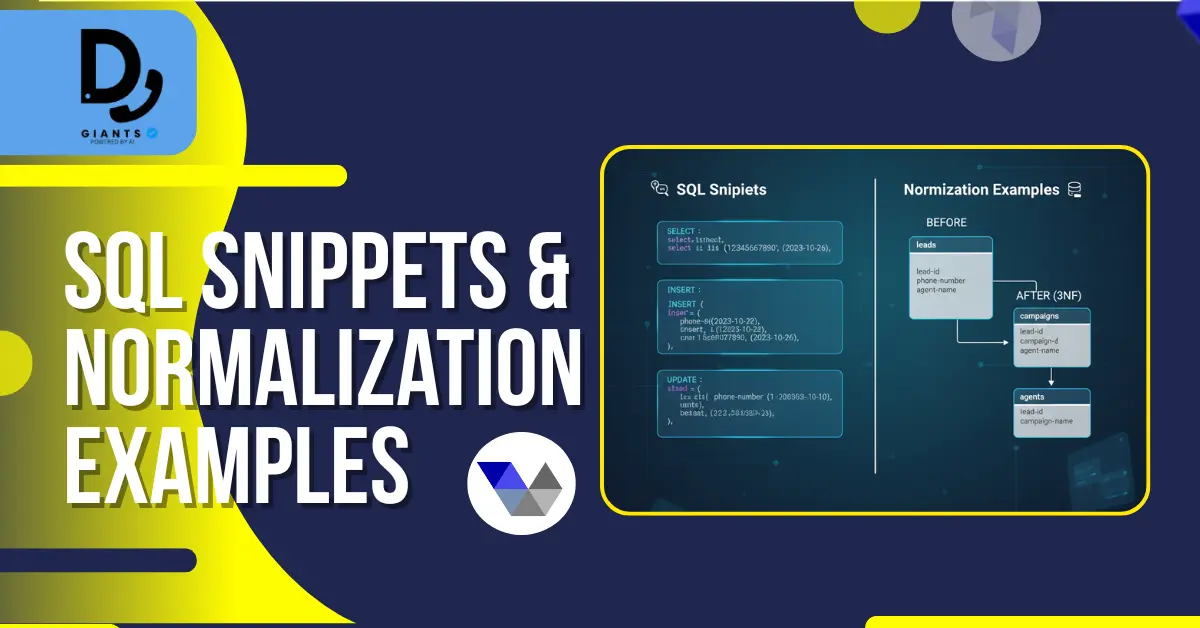
UPDATE staging_dnc SET phone_clean = REGEXP_REPLACE(phone_raw, '[^0-9]', '');
UPDATE staging_dnc SET phone_clean = CASE
  WHEN LEFT(phone_clean,1) = '1' AND LENGTH(phone_clean) = 11 THEN SUBSTRING(phone_clean,2)
  ELSE phone_clean END;
INSERT IGNORE INTO vicidial_dnc (phone_number, entry_date, source)
SELECT phone_clean, NOW(), 'national_scrub' FROM staging_dnc;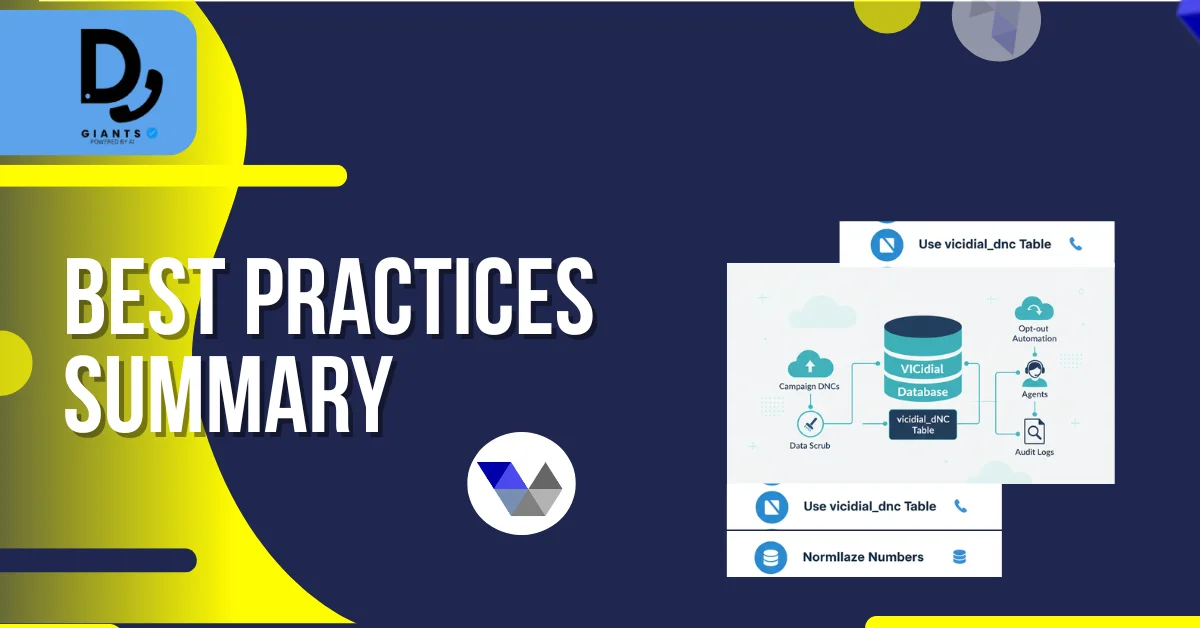
FAQs
1. How do I add a number to the Do Not Call list in VICIdial?
Admin Panel → Lists → Add/Delete DNC, agent disposition, inbound IVR with AGI, or direct SQL.
2. What is the difference between Internal DNC and Campaign DNC in VICIdial?
Internal DNC applies system-wide; Campaign DNC applies only to a specific campaign.
3. How can I scrub my lead list against the DNC database?
Enable "Check for DNC Numbers" in campaign settings, use SQL comparison, or schedule a nightly cron job.
4. Can inbound callers add themselves to the Do Not Call list automatically?
Yes. Create a Call Menu (IVR) with a DNC AGI script.
5. Why are numbers on my DNC list still being dialed?
Ensure campaign honors internal DNC, verify phone number format, confirm upload.
Conclusion
Adding and maintaining a Do Not Call list in VICIdial is essential for regulatory compliance and operational efficiency. By using the right combination of internal and campaign DNC settings, automated scrubbing, and agent or IVR-based opt-out options, you can ensure that your call center respects customer preferences and avoids potential penalties. Always keep your DNC processes up to date, test frequently, and document every update for accountability.


