 DialerGiants
Prerequisites and architecture overview
- Working VICIdial installation (web admin and AGC agent GUI).
- Asterisk reachable and peered SIP trunk(s) from carrier/provider.
- Admin access to Carriers, DIDs, In-Groups, Campaigns and Users pages.
- SSH access for dialplan/AGI changes.
- Test phone or carrier test number.
High-level flow — how VICIdial handles an inbound call
Carrier → SIP trunk → Asterisk trunkinbound context → VICIdial DID record → Route type (IN_GROUP or EXTEN) → In-Group queue → Agent (via meetme/bridge) or IVR.
Step 1 — Add or verify your Carrier (SIP trunk)
- Admin → Carriers → Add a New Carrier.
- Set context=trunkinbound, type=peer, host=IP_or_FQDN.
- Test registration: asterisk -rx "sip show peers"
[MYCARRIER]
type=peer
host=203.0.113.22
dtmfmode=rfc2833
context=trunkinbound
insecure=port,invite
disallow=all
allow=ulaw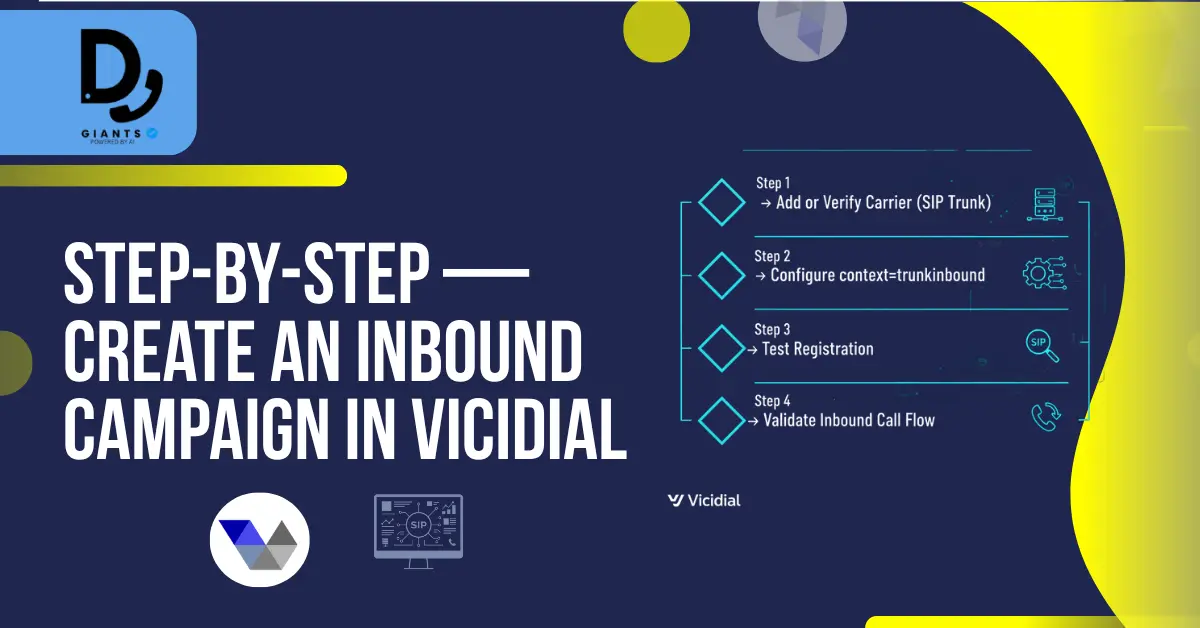
Step 2 — Create In-Group(s)
- Inbound → Add a New Ingroup.
- Set In-Group ID (e.g., SUPPORT), Handle Method (CID), Next Agent Call (ringall).
- Configure Queue Timeout and priority.
Step 3 — Create the DID and route to In-Group or EXTEN
- Inbound → Add a New DID.
- DID Extension = number from carrier.
- DID Route = IN_GROUP (recommended) or EXTEN.
- Select In-Group ID and Server IP.
Step 4 — Configure Campaigns for inbound handling
- Admin → Campaigns → Add / Modify Campaign.
- Dial Method: INBOUND_MAN, MANUAL, RATIO, or INBOUND.
- Allow Inbound and Blended = Y.
- Select Allowed Inbound Groups.
Step 5 — User & Phone settings (agents)
- Users → Modify User: set Agent Choose Ingroups, Agent Choose Blended.
- Admin → Phones: ensure extensions register correctly.
Step 6 — Optional: Sticky-Agent or custom routing
Set DID Route to EXTEN and call an AGI script to query last agent.
exten => 999888777,1,Answer()
exten => 999888777,n,AGI(stickyagent.agi,${CALLERID(num)},48)
exten => 999888777,n,AGI(agi-VDAD_ALL_inbound.agi,params...)
exten => 999888777,n,Hangup()
Asterisk dialplan notes — commonly required tweaks
- Normalize caller ID/DID format (remove leading +).
- Ensure trunkinbound context contains AGI(agi://127.0.0.1:4577/call_log).
- For one-way audio: verify RTP ports (10000-20000) and NAT settings.

Testing checklist — verify end-to-end inbound flow
- Dial the DID from external phone, watch Asterisk CLI.
- Confirm call hits In-Group and goes to queue.
- Log agent into campaign, verify call is offered.
- Test no agents, overflow, voicemail.
Advanced design patterns
- Blended campaigns: Allow Inbound and Blended = Y.
- Sticky Agent: AGI lookup of vicidial_list.
- Multi-server: Set Server IP in DID and Ingroup.
Security, monitoring and operational SOPs
- Monitor inbound call quality with periodic test calls.
- Keep backups of /etc/asterisk/ and astguiclient.conf.
- Implement rate-limiting to avoid toll fraud.
Quick configuration summary (cheat sheet)
- Admin → Carriers: Add carrier; context=trunkinbound.
- Inbound → In-Groups: Create SUPPORT.
- Inbound → DIDs: Add DID; DID Route = IN_GROUP.
- Admin → Campaigns: Allow Inbound; pick ingroups.
- Users → Phones/Users: Ensure agent phone logins.
Common pitfalls and fixes
- "You are the only one connected" → carrier format mismatch.
- No audio → check codecs, RTP ports, NAT, SIP ALG.
- DID not mapped → verify DID record and route type.

FAQ
Q1: Do I need a separate DID per agent?
No — map multiple agents to the same In-Group.
Q2: Why does VICIdial say 'no agents' though agents are logged in?
Check campaign allowed ingroups, user ingroup assignment, agent phone registration.
Q3: Can I use Twilio or Telnyx as SIP trunk for inbound DIDs?
Yes. Configure carrier accounts and map DID entries correctly.
Q4: How to test inbound routing without a traditional carrier?
Use a SIP softphone registered to a different account and call the DID.
Q5: Does VICIdial support skills-based routing?
VICIdial supports prioritized ingroups; advanced skills-based routing may need custom AGI.
Conclusion
Setting up an inbound campaign in VICIdial requires configuring SIP trunks, DIDs, in-groups, and campaigns correctly. By following this step-by-step guide, you can create a production-ready inbound call flow with proper queue handling, agent assignment, and even sticky-agent routing. Remember to test thoroughly and monitor performance regularly.
Disclaimer: The information provided is for educational purposes only. Configuration steps may vary based on your VICIdial version and telephony setup. Always perform testing before deploying changes in a live environment.


