DialerGiants
What is VoIP?
Imagine making calls from anywhere in the world without worrying about hefty phone bills. Welcome to the world of VoIP! VoIP, or Voice over Internet Protocol, is a technology that lets you make phone calls using the internet instead of traditional phone lines. It's like sending an email, but for your voice.
VoIP is a technology that allows you to make phone calls using your internet connection instead of traditional phone lines. This means you can use devices like computers, smartphones, or special VoIP phones to make calls, just like you would with a regular phone, but with the flexibility of the internet.
How VoIP Works: A Step-by-Step Guide
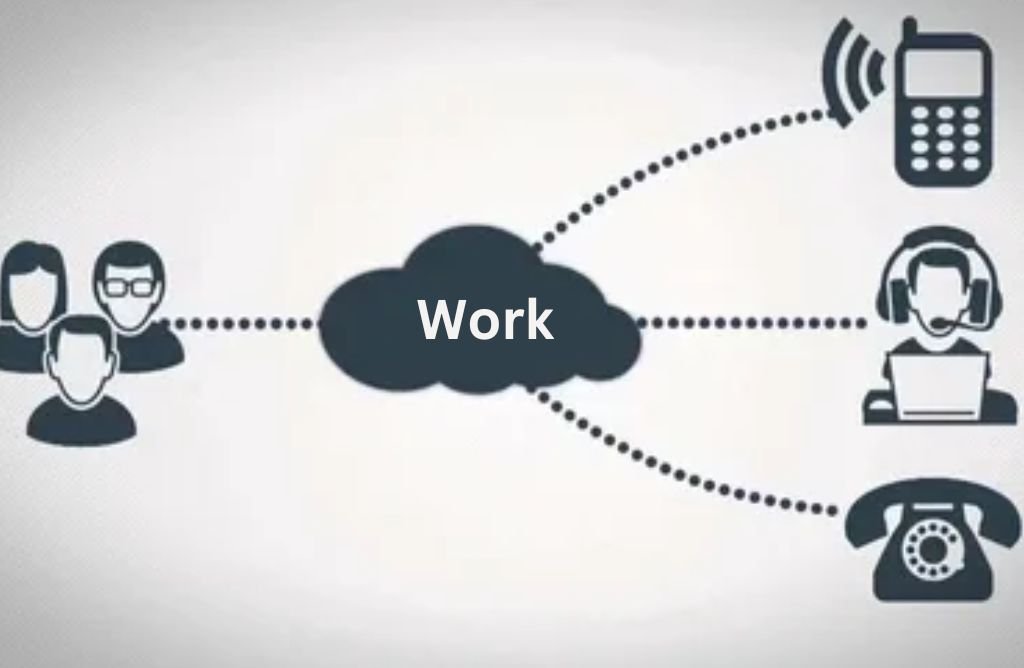
Step 1: Converting Your Voice to Digital Data
Your voice is captured by a microphone and converted into digital data.
Step 2: Breaking Down the Data into Packets
The digital data is broken into small "packages" called data packets.
Step 3: Sending the Packets Over the Internet
The packets are sent over the internet to the recipient, traveling through internet cables and networks.
Step 4: Reassembling the Packets
The packets are reassembled in the correct order at the recipient's device.
Step 5: Converting Digital Data Back to Sound
The digital data is converted back into sound waves, which the recipient hears.
Example Analogy: Think of VoIP like sending a video file over the internet. You upload the video, it gets broken into smaller pieces, sent over the internet, reassembled, and played back smoothly.
Comparison of VoIP and Traditional Phone Systems
| Feature | VoIP | Traditional Phone Systems | Examples |
|---|---|---|---|
| Cost | Lower setup and call costs, unlimited plans available | Higher monthly fees, expensive long-distance | VoIP: Unlimited domestic/international calls. Traditional: $50/line/month + long-distance |
| Features | Advanced: voicemail-to-email, virtual receptionist, call analytics, video calls | Basic: caller ID, call waiting, forwarding | VoIP: Auto-attendants, call recording. Traditional: Limited basic functions |
| Scalability | Easy to add lines/users with minimal cost | Limited, requires physical lines and infrastructure | VoIP: Add users with few clicks. Traditional: Physical installation required |
| Reliability | Dependent on internet connection; backup options available | Operates independently of internet; stable during outages | VoIP: Use backup internet. Traditional: Works during power outages |
Examples: VoIP for a small business with 10 employees costs ~$300/month for unlimited calls, vs traditional ~$1,000/month. VoIP allows virtual receptionists and easy scaling without physical installations.
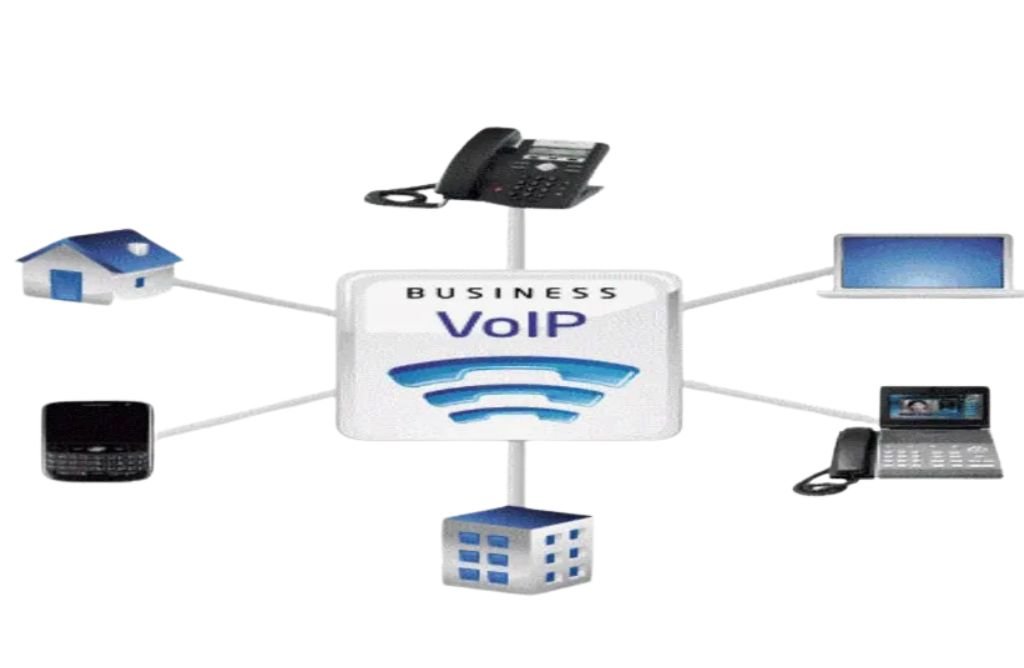
Key Benefits of VoIP
For Businesses:
- Cost Savings: Reduce phone bills by up to 75%
- Scalability: Easily add or remove lines as needed
- Advanced Features: Video conferencing, call recording, CRM integration
- Remote Work: Employees can work from anywhere with internet
- Portability: Use the same number from any location
For Individuals:
- Cost-Effective: Cheaper international and local calls
- Flexibility: Make calls from anywhere with internet
- Advanced Features: Call forwarding, voicemail to email .
- Ease of Use: Simple setup and management
- Portability: Keep your number even if you move
Potential Drawbacks of VoIP (and How to Fix Them)
- 1. Reliance on Good Internet Connection: Use QoS settings, ensure sufficient bandwidth.
- 2. Latency and Jitter: Use wired connections, implement jitter buffers.
- 3. Power Outages: Invest in UPS backup power supplies.
- 4. Cybersecurity Concerns: Use encryption, firewalls, secure authentication.
- 5. Emergency Calls: Register your address with the provider; maintain a traditional line for emergencies.
- 6. Packet Loss: Employ Forward Error Correction (FEC).
- 7. Bandwidth Constraints: Upgrade internet bandwidth for concurrent calls.
- 8. Compatibility Issues: Ensure device compatibility before implementation.
- 9. Lack of Technical Expertise: Hire external IT support or train staff.
How to Get Started with VoIP
Step 1: Choose a VoIP Provider
- Assess your needs (call volume, users, international calling).
- Evaluate providers for robust network infrastructure and high uptime.
- Consider scalability and integration with existing systems like CRM.
Step 2: Set Up Your Network
- Test network readiness (speed test for bandwidth, jitter, packet loss).
- Configure Quality of Service (QoS) to prioritize VoIP traffic.
Step 3: Install VoIP Software and Devices
- Download and install VoIP provider's software for softphones or IP phones.
- Set up IP phones by connecting to your network and entering account information.
Step 4: Test Your VoIP System
- Make test calls to ensure smooth connection and clear audio.
- Monitor performance using VoIP quality tests.
Step 5: Finalize and Deploy
- Train users on VoIP features.
- Monitor and adjust settings as needed; scale as your business grows.
FAQs
1. What is VoIP?
VoIP stands for Voice over Internet Protocol. It's a technology that allows you to make voice calls using a broadband internet connection instead of traditional phone lines.
2. Can I call any phone with VoIP?
Yes, most VoIP providers allow you to call any phone number, including local, long-distance, mobile, and international numbers.
3. Do I need a computer for VoIP?
No, you can use IP phones or adapters connected to your existing phone and internet.
4. Can I keep my existing phone number with VoIP?
Yes, most VoIP providers allow you to port your existing phone number to their service.
5. Is VoIP secure?
Reputable VoIP providers offer advanced security features like encryption and authentication protocols.
6. How does VoIP handle emergency calls like 911?
VoIP systems are required to support 911 services, but you must register your physical address correctly with your provider.
7. Can I use VoIP while traveling?
Yes, you can use VoIP anywhere with a high-speed internet connection.
8. What happens if my internet connection drops?
Many providers offer call forwarding to other devices to ensure continuous communication.
9. Is VoIP difficult to set up and maintain?
VoIP setup and maintenance are generally straightforward, with user-friendly interfaces and comprehensive support.
Conclusion
VoIP is transforming the way we communicate, offering cost savings, flexibility, and advanced features for businesses and individuals. Whether you're looking to cut costs or improve communication, VoIP is a powerful solution.
Ready to get started? Explore VoIP solutions today and take the first step toward smarter communication!