DialerGiants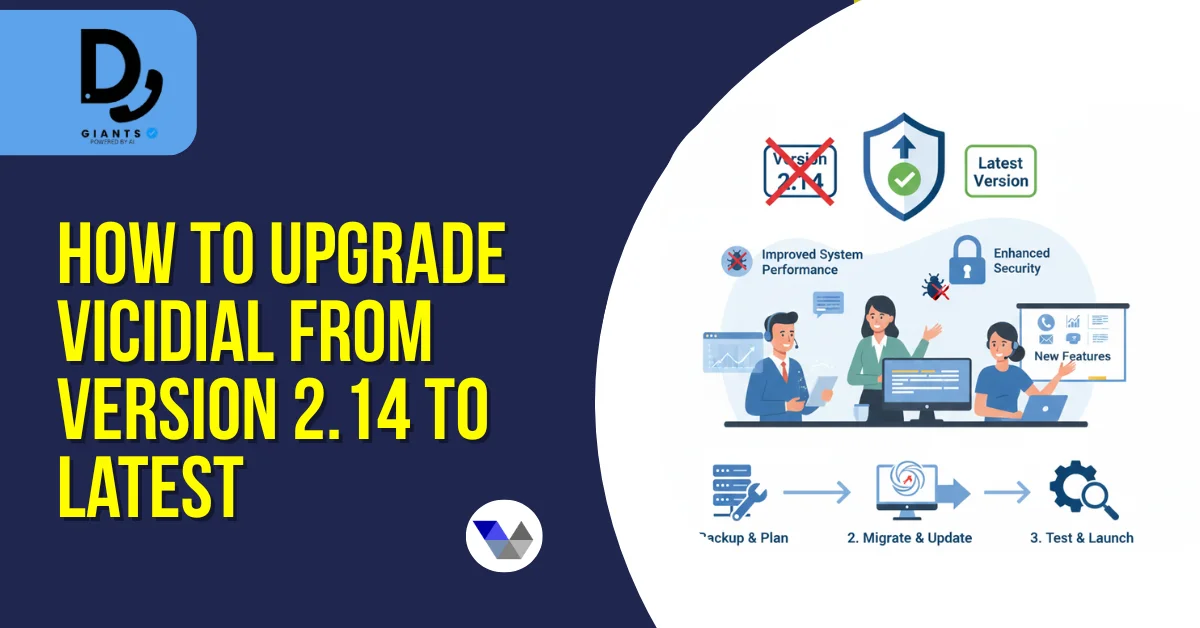
Introduction
Upgrading VICIdial from version 2.14 to the latest version is crucial for call center performance, security, and new features. Whether you are a system administrator, IT professional, or call center manager, this guide provides step-by-step instructions to safely update, migrate, and troubleshoot your VICIdial system.
Understanding VICIdial Upgrades
VICIdial upgrades ensure improved system stability, enhanced features, and security patches. Key considerations before upgrading include: review VICIdial upgrade changelog, check system compatibility and VICIdial system requirements, and ensure proper server environment and backup procedures.
Why Upgrade?
- New features and modules
- Bug fixes and security patches
- Better call routing and performance
- Compatibility with modern servers
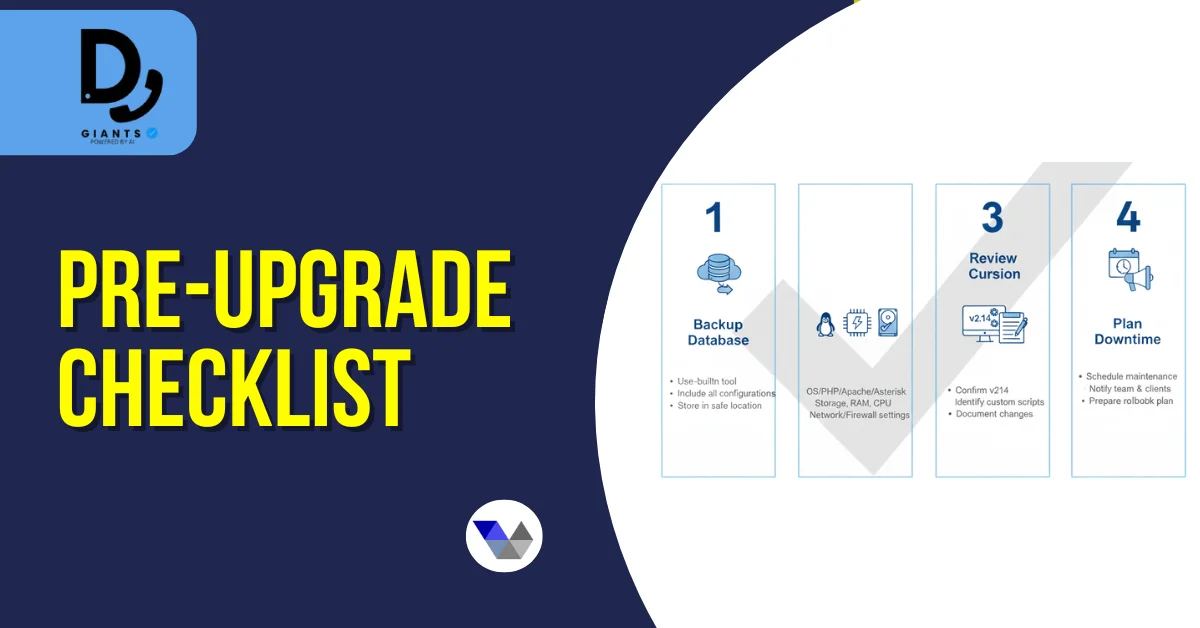
Pre-Upgrade Checklist
- Backup Database — Use VICIdial database backup before upgrade to secure data. Include configuration, lists, and user credentials.
- Check Server Requirements — Verify server meets latest VICIdial latest version installation requirements. Ensure sufficient storage and processing power.
- Review Current Version — Confirm current system is version 2.14. Check for custom scripts or modifications.
- Plan Downtime — Schedule a maintenance window. Inform agents about temporary system downtime.
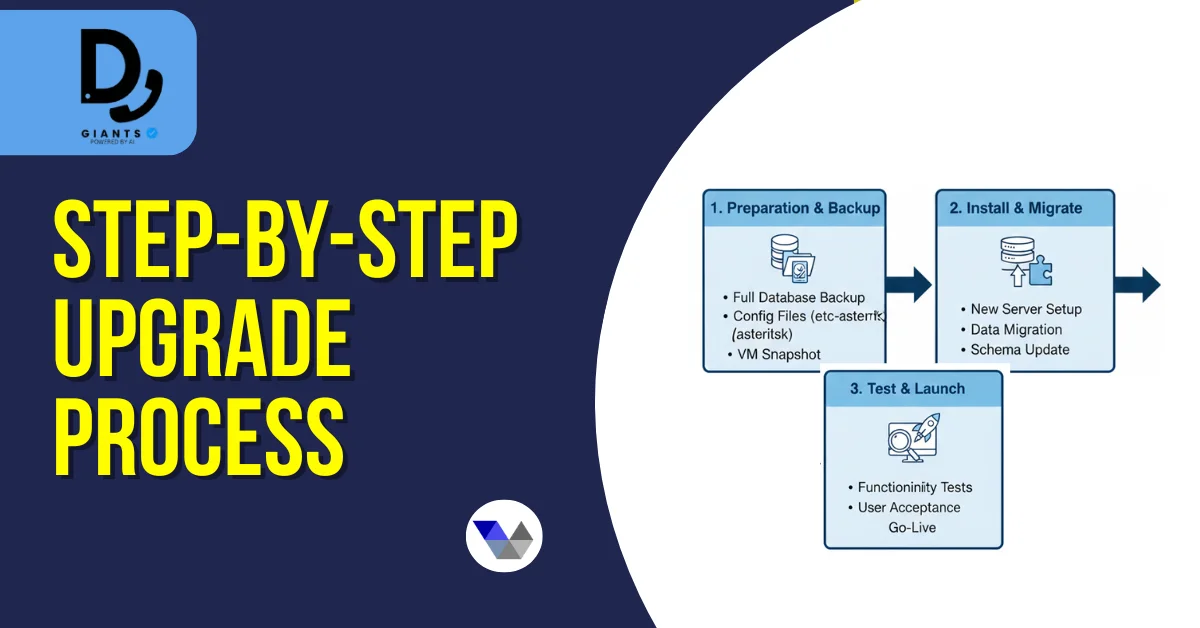
Step-by-Step Upgrade Process
Step 1 – Prepare the Server
- Update Linux packages
- Verify PHP, MySQL, Apache versions meet requirements
- Disable firewall rules temporarily if needed
Step 2 – Backup Existing VICIdial
- Execute full database dump
- Backup system configuration files
- Store backup securely offsite
Step 3 – Download Latest VICIdial Version
- Obtain files from official repository or verified source
- Verify checksums to ensure integrity
Step 4 – Install Upgrade Script
- Run VICIdial upgrade script according to instructions
- Monitor for errors and warnings
- Confirm updated file permissions
Step 5 – Database Migration
- Apply migration scripts if upgrading between major versions
- Test data integrity
- Ensure all users, campaigns, and leads are intact
Step 6 – Post-Upgrade Testing
- Test inbound and outbound calls
- Verify agent login and dialer queues
- Check for VICIdial update errors
- Confirm system logs and performance
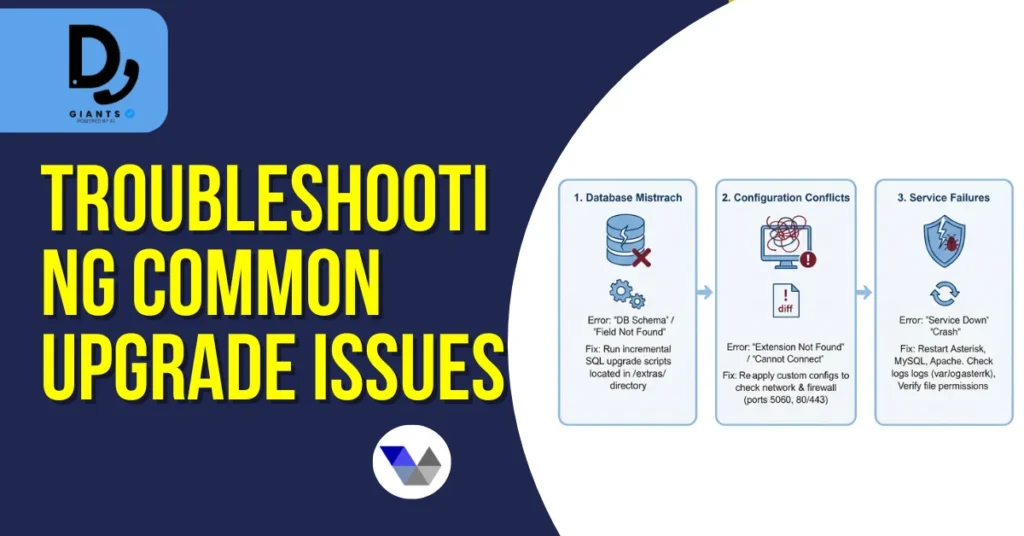
Troubleshooting Common Upgrade Issues
Database Errors
- Ensure proper MySQL version
- Check for syntax errors in migration scripts
Login or Agent Access Issues
- Verify user permissions
- Reset passwords if necessary
Call Routing Problems
- Confirm dial plan settings
- Review campaign configuration
Best Practices for Safe VICIdial Upgrades
- Always upgrade VICIdial safely by backing up first
- Avoid skipping versions; follow stepwise upgrades
- Test all modules post-upgrade
- Keep VICIdial admin manual handy for reference
- Document every change for future maintenance
FAQs
1. Can I upgrade directly from 2.14 to the latest version?
It's recommended to follow sequential upgrades if major versions exist.
2. How long does the upgrade take?
Upgrade time depends on database size and server performance; typically 1–3 hours.
3. Do I need a separate test server?
Yes, a staging environment helps avoid production downtime.
4. What if I encounter errors during migration?
Review logs, restore backup if needed, and consult the VICIdial upgrade guide.
5. Can custom scripts affect the upgrade?
Yes, customizations may need manual adjustment post-upgrade.
Conclusion
Upgrading VICIdial from version 2.14 to the latest is essential for security, features, and performance. By carefully following backup, installation, migration, and testing steps, system administrators and IT professionals can ensure a smooth and error-free upgrade. Always document changes and consult official guides or certified professionals when needed.