 DialerGiants
Introduction
Installing a call centre dialer requires careful planning. In this guide you will learn how to install vicidial on server using both the ViciBox ISO and a scratch install. The steps below suit system administrators and VoIP engineers preparing production or test deployments. We cover requirements, Asterisk setup, cloud options, security, and troubleshooting. Disclaimer: This article is technical guidance only. It is not legal, financial, or medical advice. Always test in a lab before production and consult professionals where needed.
Why choose ViciDial?
ViciDial is an open-source call centre suite built around Asterisk. It supports predictive, preview, and manual dialing. Key reasons: mature community and long history, built for scale, feature rich (blending, call recording, real-time monitoring), flexible (commodity hardware or cloud VMs), and extensible via API.
Before you begin — prerequisites
Hardware recommendations
Minimums for a small production single server (up to 50 agents): 4 vCPU, 8–16 GB RAM, 250+ GB SSD, 1 Gbps NIC. For medium to large deployments (100+ agents): 8–16 vCPU, 32–64 GB RAM, 500+ GB NVMe, 10 Gbps or bonded NICs.
Software and network requirements
- OS: CentOS 7/8 (traditional), AlmaLinux, or Debian/Ubuntu (scratch installs possible).
- Asterisk: supported branch for your ViciDial release.
- MySQL/MariaDB: dedicated instance preferred.
- Static IP and properly configured DNS (A and PTR).
- Ports: SIP (UDP 5060), RTP (10000–20000), HTTP/HTTPS (80/443), MySQL if remote (3306), SSH (22).
- Time sync: NTP or chrony. Backups: offsite for DB and recordings.
Two installation approaches: ViciBox vs Scratch
Option A — ViciBox ISO
ViciBox is a prebuilt ISO with ViciDial and Asterisk configured. Steps: download latest ViciBox ISO, boot target server/VM from ISO, follow installer prompts, let installer complete (20–60 minutes), reboot, log in to web UI, run post-install checks.
Option B — Scratch install (CentOS/AlmaLinux/Ubuntu)
A scratch install gives maximum flexibility. High-level steps: install minimal OS and security baseline, update packages, install and configure MySQL/MariaDB, install Apache/Nginx and PHP, install Asterisk and required timing modules, download ViciDial code and import SQL schema, configure Asterisk files, start services.
yum update -y
yum groupinstall -y "Development Tools"
yum install -y httpd mariadb-server mariadb php php-mysqlnd php-xml php-mbstring wget git
systemctl enable --now httpd mariadb
mysql_secure_installation
# Install Asterisk (simplified)
cd /usr/src
wget http://downloads.asterisk.org/pub/telephony/asterisk/asterisk-16-current.tar.gz
tar xzf asterisk-16-current.tar.gz
cd asterisk-16*/
contrib/scripts/install_prereq install
./configure
make menuselect.makeopts
make
make install
make samples
make config
systemctl enable asterisk
systemctl start asterisk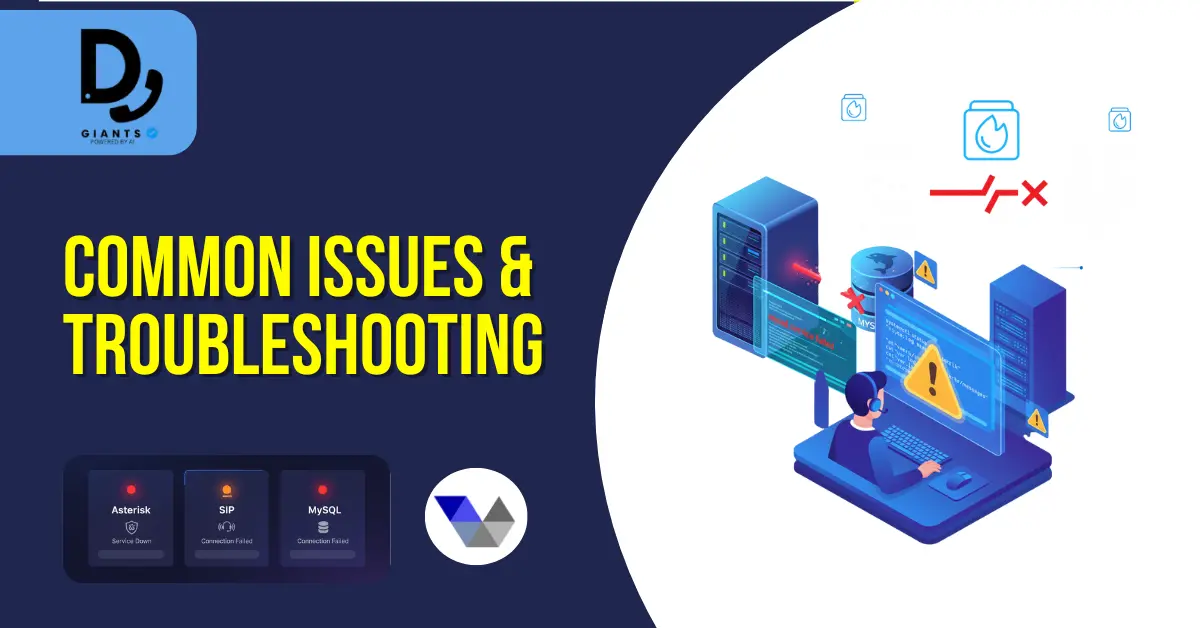
How to install Vicidial on server — Step-by-step
Step 1 — Plan the deployment: Define scale, choose deployment model, decide on-prem vs cloud.
Step 2 — Prepare DNS, IPs, and SSL: Reserve static IPs, use proper reverse DNS, get a domain name, use Let's Encrypt for HTTPS.
Step 3 — Install base OS and secure it: Minimal install, create admin user, disable root SSH login, configure SSH keys, install and configure firewalld/ufw, configure fail2ban, ensure NTP/chrony is running.
Step 4 — Deploy ViciBox or run scratch install.
Step 5 — Configure Asterisk and SIP trunks: Add trunk details, set codecs, configure NAT settings, create inbound/outbound contexts, test SIP registration.
Step 6 — ViciDial web UI and admin settings: Access admin panel, create admin user, set up campaigns, configure recording storage.
Step 7 — Monitoring, backups & log rotation: Implement monitoring (Prometheus, Nagios, Zabbix), rotate logs, schedule regular DB backups and offsite replication.
Cloud deployment tips
- Choose instances with strong single-thread performance.
- Use local NVMe for recordings; move older recordings to object storage.
- Use placement groups/availability zones for high availability.
- Consider managed DB services but ensure low network latency.
- Snapshot AMIs/images after a golden build for rapid scaling.
Security hardening
- Use strong passwords and SSH keys.
- Restrict SIP access by IP or VPN.
- Use RTP and SIP ACLs and rate limits.
- Patch frequently and track CVEs for Asterisk and PHP.
- Encrypt recordings at rest and control access.
- Consider using fail2ban for SIP brute force protection.
Performance tuning and capacity planning
- Monitor CPU, memory, disk I/O, and network.
- Use multi-server architecture when scaling: separate DB, web, and telephony nodes.
- Factor in codecs and transcoding overhead (g.729 requires licenced DSP or CPU).
Common issues & troubleshooting
Asterisk not starting
- Check systemctl status asterisk and /var/log/asterisk/messages.
- Verify ownership and permissions for /var/lib/asterisk.
- Missing modules: recompile Asterisk with required modules.
SIP registrations failing
- Verify NAT settings, external IPs, and RTP ports.
- Check firewall rules and ensure SIP/UDP and RTP ranges are open.
- Confirm SIP trunk credentials and codecs match with provider.
Database connection errors
- Ensure MySQL is running and accepting connections.
- Check bind-address and user privileges for remote DB access.
- Inspect slow queries and optimize tables or add indexes.
Testing and quality assurance
- Run end-to-end tests: inbound IVR, outbound campaigns, agent login, and recording playback.
- Load test in a staging environment using SIP traffic generators (sipp).
- Validate failover procedures and backups restore process.
Maintenance checklist
- Weekly: update OS packages, check disk space, review logs.
- Monthly: apply security patches, review backups, test restores.
- Quarterly: review capacity and licensing, verify retention policies.
Compliance & legal considerations
- Call recording laws vary by country/region. Implement consent prompts and retention policies accordingly.
- Store Personally Identifiable Information (PII) securely and follow data protection regulations (GDPR, CCPA where applicable).
Appendix: Useful commands & config snippets
Check Asterisk console:
asterisk -rvv
core show channels
Restart ViciDial services (example):
systemctl restart asterisk httpd mysqldSimple SIP trunk example (sip.conf chan_sip):
[trunk-provider]
type=peer
host=sip.provider.example
username=1001
secret=YourSecret
disallow=all
allow=ulaw
context=from-trunk
insecure=port,invite
FAQs
1. What is the easiest way to install ViciDial on a server?
The simplest method is to use the ViciBox ISO, which includes a pre-configured ViciDial, Asterisk, and database setup. It automates most configurations and is ideal for beginners or small to medium deployments.
2. Can I install ViciDial on Ubuntu or only CentOS?
Yes, ViciDial can be installed on Ubuntu, Debian, or AlmaLinux, although CentOS was traditionally the most supported platform. Ubuntu-based installations are more common in cloud environments and can be done manually by following the scratch install method.
3. How much hardware do I need for ViciDial?
For small call centers (up to 50 agents), you'll need at least 4 vCPU, 8 GB RAM, and 250 GB storage. Larger centers (100+ agents) should plan for 8–16 vCPU, 32–64 GB RAM, and fast SSD/NVMe drives.
4. Is ViciDial secure for production use?
Yes — provided you apply proper security hardening, such as firewall rules, SIP access control, encrypted recordings, and regular OS patching. Never expose SIP or web admin ports to the public internet without restrictions.
5. How do I update or upgrade an existing ViciDial installation?
Back up your database, configuration files, and recordings first. Then follow the official upgrade instructions from ViciDial forums or GitHub. Always test upgrades in a staging environment before applying them to production.
Conclusion
Setting up ViciDial on a server can seem complex, but with the right preparation, it's entirely manageable. Whether you use ViciBox ISO for convenience or a scratch install for customization, success depends on clear planning, system tuning, and ongoing maintenance. By understanding server requirements, configuring Asterisk correctly, and following best practices for security and performance, you can deploy a robust, scalable, and cost-effective call center platform. Always remember to document your setup, automate backups, and monitor resources regularly — these steps ensure your ViciDial installation remains stable and secure in the long run.


