 DialerGiants
Introduction
Installing VICIdial on cloud lets contact centers run a scalable, resilient dialer without managing physical hardware. This guide covers how to install VICIdial on cloud step-by-step, from choosing a provider to post-install tuning and scaling. It targets VoIP engineers, call-centre IT managers, and system administrators deploying or migrating VICIdial infrastructure to cloud environments.
Prerequisites
- Administrative Linux skills (user and package management, services).
- Knowledge of Asterisk, MySQL/MariaDB, RTP ports, and SIP basics.
- Cloud account (AWS/GCP/Azure/DigitalOcean) with VM/Network permissions.
- SSH keypair for instance access and a secure VPC/subnet.
- Static/Elastic IP for public SIP gateway and DNS pointing for admin UI.
- Access to SIP trunk credentials or SBC endpoint.
- Plan for call recording storage and retention policies.
Cloud Provider and Architecture Choices
- AWS (EC2) — best for enterprise-scale clusters
- Google Cloud (Compute Engine) — strong networking, predictable pricing
- DigitalOcean — straightforward droplets; good for SMB
- Azure — enterprise features, integrates with Microsoft stacks
Single-server vs cluster: Single-server is simple but limited. For production, separate services: Web/API servers (multiple behind LB), Asterisk/media servers (multiple), Database (Galera/MariaDB cluster), Storage servers for recordings.
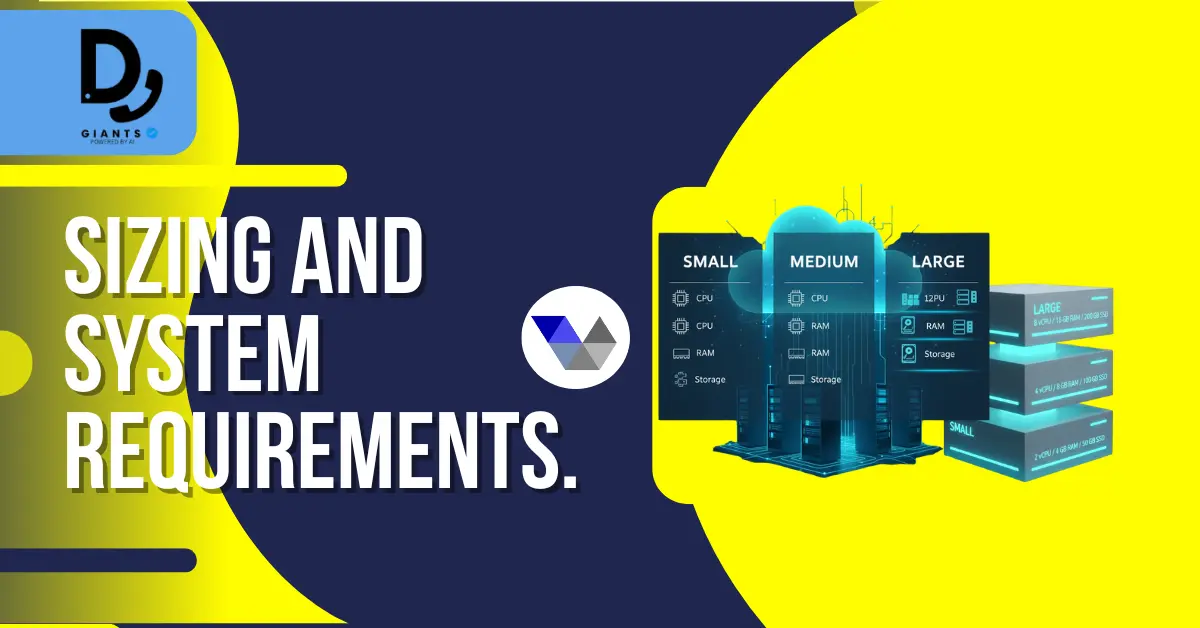
Sizing and System Requirements
- Small (10–50 agents): 4 vCPU, 8 GB RAM, 100 GB SSD.
- Medium (50–200 agents): 8 vCPU, 16–32 GB RAM, 300–500 GB SSD + recordings volume.
- Large (200+ agents): multiple Asterisk nodes (8+ vCPU each), DB cluster nodes (16–64 GB RAM each), dedicated storage arrays.
Networking & Security (Detailed)
- Ports to allow: TCP 22 (SSH restrict admin IPs), TCP 80/443 (web UI), TCP 3306 (MySQL internal), UDP 5060 (SIP), UDP RTP range (10000–20000).
- SBCs and NAT: Use an SBC to terminate SIP and manage NAT traversal.
- Access controls: Security groups and network ACLs, IAM roles, 2FA for admin web UI.
- Encryption: Use Let's Encrypt or commercial cert for web UI, encrypt backups in transit and at rest.
Storage and Backups (Procedures)
- Keep OS and application on primary SSD, separate block volumes for recordings.
- Use mysqldump or Percona XtraBackup for consistent backups, schedule daily full backups.
- Move recordings to object storage with lifecycle policies, test restores monthly.
Installation Approaches (Expanded)
- ViciBox ISO / OVA — fastest and lowest risk
- Manual install — for hardened environments
- Container or orchestration — experimental, requires expertise
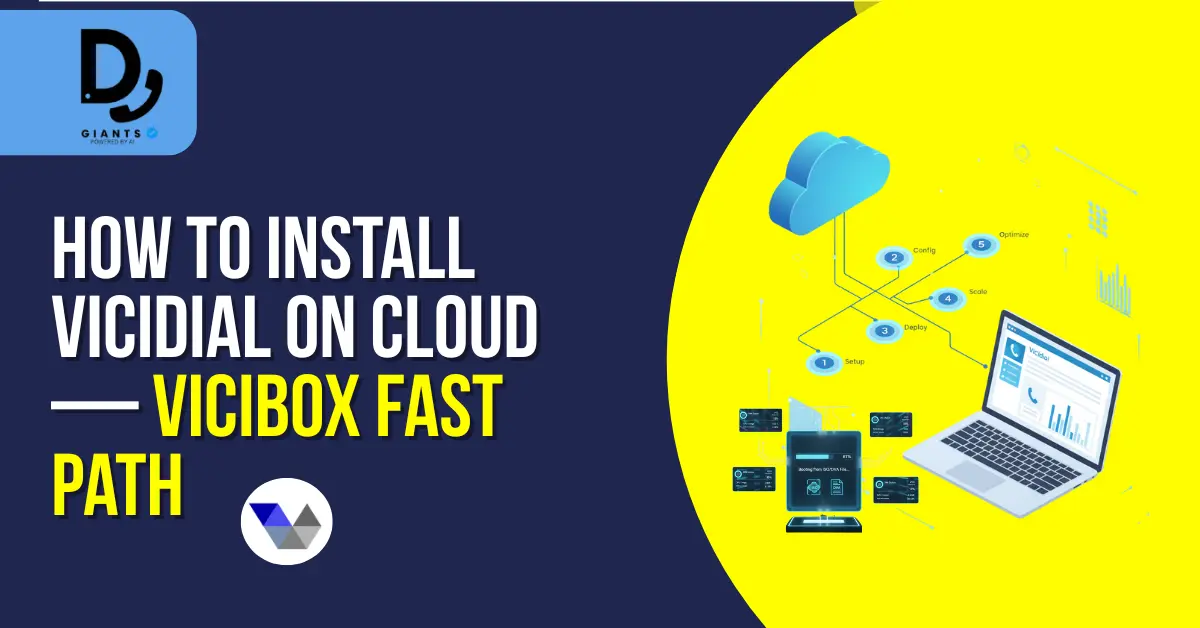
How to install vicidial on cloud — ViciBox fast path
Step 1 — Provision VM: Select image type (OVA upload or marketplace AMI). Recommended: 8 vCPU / 16 GB RAM for production single VM trials. Attach secondary SSD for recordings.
Step 2 — Boot and initial configuration: Boot VM from ISO/OVA. Set hostname (FQDN), network (static IP), change default admin passwords. Harden SSH.
Step 3 — Network and Asterisk tuning: Update rtp.conf:
[general]
rtpstart=10000
rtpend=20000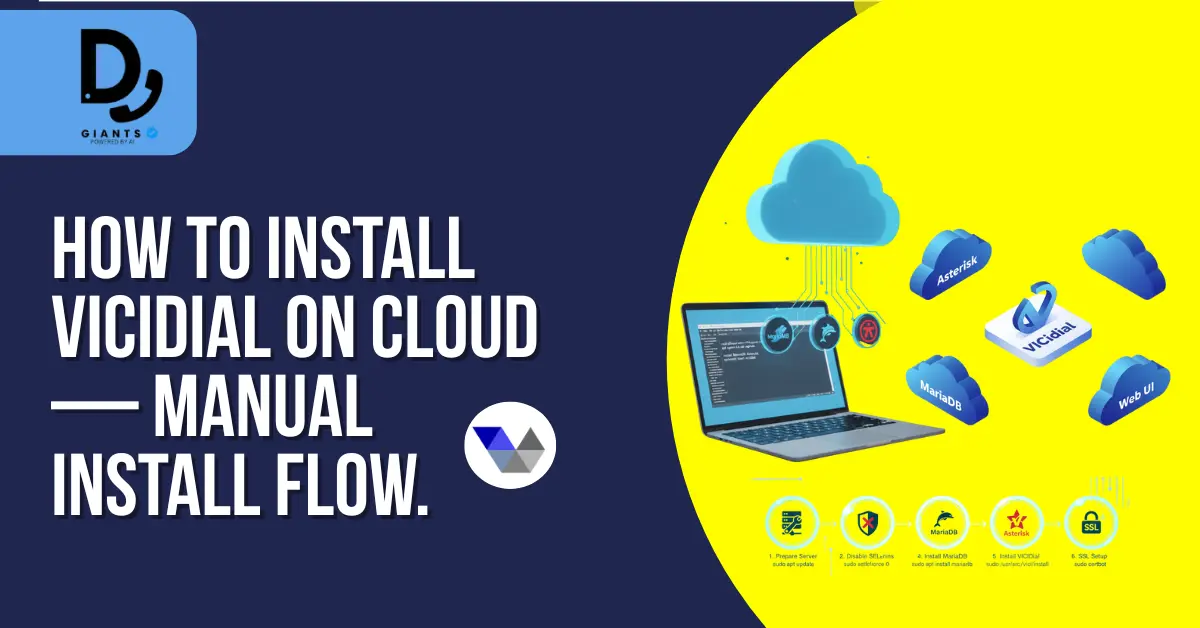
Manual Install: Detailed Example Flow (CentOS/AlmaLinux-style)
1. Prepare the server: Update OS, set hostname and timezone.
sudo yum update -y
sudo hostnamectl set-hostname vicidial.example.com
sudo timedatectl set-timezone UTC
2. Disable SELinux or set to permissive:
sudo setenforce 0
sudo sed -i 's/^SELINUX=.*/SELINUX=permissive/' /etc/selinux/config
3. Install MariaDB:
sudo yum install mariadb-server -y
sudo systemctl enable --now mariadb
sudo mysql_secure_installation
4. Install Asterisk: Download source, compile with core codecs, configure rtp.conf.
5. Install VICIdial components: Download VICIdial scripts, run installer, configure cron.
6. SSL and Webserver: Install Apache and PHP, configure virtual hosts, enable HTTPS via certbot.
sudo yum install httpd php php-mysqlnd -y
sudo systemctl enable --now httpd
sudo certbot --apache -d vicidial.example.com
SIP / Carrier Integration Best Practices
- Use least-privilege SIP credentials and limit registrations to source IP ranges.
- For PSTN: consider SIP trunks with redundancy (multiple carriers) and failover routing.
- Use RTP quality monitoring (RTCP) and set up alerting for packet loss >2–3%.
Firewall and NAT Considerations
- Configure NAT helpers or sip-aware load balancers if NAT is present.
- Ensure SIP ALG is disabled on customer routers and cloud firewalls.
- Use STUN/TURN only if necessary — preferred design is direct public IP routing or SBCs.

Monitoring, Logging & Scaling
- Key metrics: CPU load, memory, disk I/O, network latency, concurrent channels, MySQL slow queries.
- Alerts & dashboards: Configure Grafana dashboards; set alerts for high CPU, high DB connections.
- Autoscaling: Scale web and media nodes horizontally; use external sticky session.
Common Issues & Troubleshooting
- No audio: Check RTP ports and any SIP ALG; use tcpdump.
- Dropped calls under load: CPU saturation, insufficient bandwidth, or DB contention.
- License/codec problems (G.729): Verify codec licensing; fall back to ulaw.
- Web UI slow: Database tuning, add query caching, optimize PHP-FPM/Apache settings.
Example configuration snippets
Sample Asterisk rtp.conf:
[general]
rtpstart=10000
rtpend=20000
icesupport=no
Example sip.conf (chan_sip) minimal:
[general]
context=default
allowguest=no
udpbindaddr=0.0.0.0
tcpenable=no
Cost & Licensing Considerations
- Cloud costs: instance CPU, memory, storage IOPS, and egress bandwidth.
- Codec licensing: G.729 and some commercial codecs require licenses.
- Support contracts: VICIdial community versions are free; vendor support may cost extra.
Useful Commands & Diagnostics
sudo ss -tunlp | grep -E '5060|10000'
top
iostat -x 5
sudo tcpdump -n -i eth0 udp and port 5060 or portrange 10000-20000 -w sip_rtp.pcap
sudo asterisk -rvv
core show channels
sip show peers
Additional FAQs
Can I run VICIdial in Kubernetes? You can, but persistent storage and real-time media handling make it complex. Use VMs for media workloads.
Do I need DAHDI in cloud? Generally not. Use SIP trunks and SBCs.
How to test call quality? Use SIPp for load testing and rtptest to measure jitter.
Migration Checklist (On-Prem → Cloud)
- Inventory all dialplan rules, carriers, and DID mappings.
- Provision cloud SBCs or vendor SIP trunk endpoints.
- Dry-run: test registration and SIP flows from cloud test VM.
- Update DNS and failover routing; perform cutover during maintenance window.
High-Availability Patterns
- Active-Passive DB: Primary and standby DB with automatic failover.
- Active-Active media nodes: Use a load balancer and stateless web layers.
- Multi-region failover: Replicate critical data to a secondary region.
Security & Compliance Notes
- Apply role-based access and keep audit logs for administrative actions.
- If recording calls, check local laws on consent and retention.
- Disclaimer: This guide is for technical deployment only and is not legal advice.
Backup and Disaster Recovery
- Regularly backup MySQL (daily full + binary logs for PITR).
- Snapshot block storage daily and test restores monthly.
- Replicate recordings to object storage with lifecycle rules.
Final Checklist Before Production
- Backups, monitoring, and alerting validated.
- Trunk and codec tests passed.
- Load tests completed and tuning applied.
- Security hardening and access controls in place.
- Rollback plan documented.
Conclusion
Migrating or installing VICIdial on cloud demands careful attention to networking, instance sizing, and storage. For a fast path, use ViciBox ISO; for production hardened environments, do a manual install with DB clustering and separate media nodes. Secure SIP with an SBC, monitor performance, and automate backups. With the right setup, VICIdial on cloud delivers a scalable, cost-effective, and resilient call center platform.


